Why Your Professional Profile Photo Matters in Remote Work

Before 2020, your professional image was shaped primarily by in-person interactions — your handshake, your presence in meetings, your office attire. Your headshot was supplementary.
That equation has inverted. In 2026, with 38% of U.S. workers operating in hybrid or fully remote arrangements, your profile photo is often the only visual representation of you that colleagues, clients, and partners ever see.
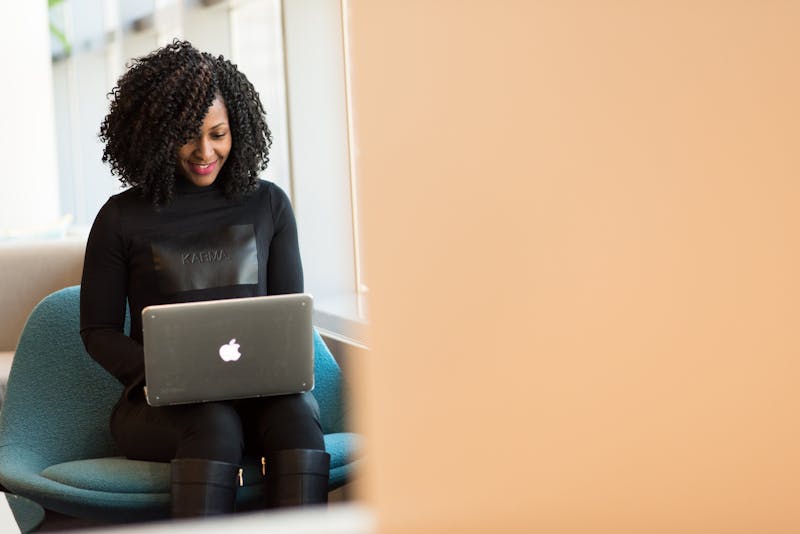
The New Role of Your Photo
Where Your Headshot Appears (and You Might Not Realize It)
In a typical remote workday, your profile photo is displayed:
- •Slack/Teams: Every single message you send
- •Email: Gmail, Outlook, and other clients show avatars next to messages
- •Video calls: Your photo appears when your camera is off, in the participant list, and in calendar invitations
- •Project management tools: Jira, Asana, Linear, Notion
- •Company directory: The go-to reference for "who is this person?"
- •LinkedIn: Where clients and partners research you before meetings
Conservatively, your headshot is seen 50–200 times per day by colleagues and contacts even if you don't actively share it.
The Psychology of Profile Photos in Remote Teams
Research from the MIT Media Lab and Stanford's Virtual Human Interaction Lab has consistently demonstrated:
- 1.People with professional headshots are perceived as more competent — even when the same person is shown in a casual photo vs. a professional one, competence ratings increase 30–40%
- 2.Trust formation is faster when a professional image is associated with digital communication — people respond more quickly and more favorably to messages from contacts with quality photos
- 3.Authority and influence in group communications (Slack channels, email threads) correlates with perceived professionalism of the sender's avatar
- •83% of recruiters check LinkedIn profiles before scheduling interviews
- •Profiles without professional photos receive 9x fewer InMail responses
- •In competitive markets, a professional headshot is the minimum expected standard
- •Create a perception of disengagement or low seniority
- •Make you literally invisible in large Slack workspaces (people scroll past default avatars)
- •Reduce the likelihood of being included in cross-functional projects (stakeholders tend to select people they "recognize")
- •Professional headshots correlate with higher hourly rates and more invitations
- •The photo is the first differentiator when multiple freelancers have similar qualifications
- •Corporate/Finance: Classic suit, neutral background, formal expression
- •Tech/Startup: Clean, polished casual — a well-fitting shirt or blazer, relaxed but not sloppy
- •Creative: More personality and color are acceptable, but still clearly intentional
- •Healthcare/Legal: Conservative and trust-signaling
- •High resolution (at least 400×400px, ideally 1024px+)
- •Good lighting (no harsh shadows, visible catch lights in eyes)
- •Clean background (solid or softly blurred)
- •Recent (taken within the last 2 years)
- •Approachable (slight smile, direct eye contact)
- •Competent (good posture, professional framing)
- •Authentic (looks like you actually look — no heavy filters)
- •5 minutes instead of 4 hours
- •$19–$39 instead of $200–$500
- •Upload a selfie from your couch instead of traveling to a studio
- •40–100 variations instead of hoping the photographer nails it
- 1.Audit your current photos: Check your LinkedIn, Slack, email, and company directory. Are they consistent? Professional? Recent?
- 2.Generate a fresh set: Upload a current selfie to HeadshotGo and choose styles appropriate for your industry
- 3.Standardize: Use the same headshot across all platforms for consistent personal branding
- 4.Update annually: Just as you'd update a resume, refresh your headshot every 1–2 years
This isn't about vanity. It's about the fundamental human tendency to make rapid judgments based on visual information.
The Hidden Cost of a Bad (or Missing) Photo
For Job Seekers
Recruiters spend an average of 6–7 seconds on initial resume/profile screening. In remote-first hiring:
For Remote Employees
Within organizations, poor or absent profile photos can:
For Freelancers and Consultants
On platforms like Upwork, Toptal, and Fiverr, clients make hiring decisions partly based on perceived professionalism:

What "Professional" Actually Means in 2026
The definition of "professional photo" has evolved. It no longer means exclusively suit-and-tie against a white background. Modern professional headshots should:
Match Your Industry Context
Meet Technical Standards
Convey the Right Qualities
Getting Your Remote-Ready Professional Photo
In the pre-remote era, getting a professional headshot required booking a photographer, scheduling time off, physical travel, and spending $200–$500.
That process is incompatible with the speed and flexibility that remote work demands. This is precisely why AI headshots have become the default solution for remote professionals:
A Practical Approach
Your professional photo is no longer a luxury — it's infrastructure for your digital career. And it's never been easier or more affordable to get right.
Try AI Headshots for Free
Upload a selfie from your phone. Get studio-quality headshots in 5 minutes.
NEXT STEP
Go to the AI headshot homepage
Start from the homepage to choose the best profile-photo use case.
Open core pageRelated Articles
LinkedIn Profile Photo Tips: 7 Mistakes to Avoid and How to Fix Yours (2026)
LinkedIn profiles with pro photos get 21x more views. Covers LinkedIn photo specs, 7 common mistakes to avoid, and how to get a studio-quality headshot from a selfie in minutes.
AI Headshots Guide: How to Create LinkedIn and Resume Photos (2026)
Learn how AI headshot generators work, what quality to expect, and how to create better LinkedIn headshots and resume photos from a simple selfie.