Professional Headshots: Studio vs DIY vs AI for LinkedIn and Resume Photos
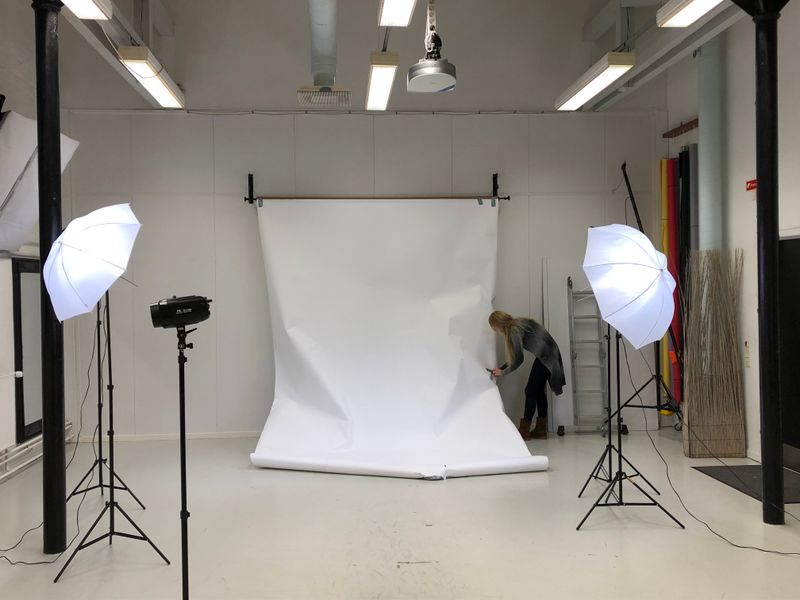
"Where should I get a professional headshot?" is a question that used to have exactly one answer: a photography studio. Today, there are three distinct options, each with genuine trade-offs.
This isn't a promotional piece disguised as a comparison. We'll cover the real strengths and weaknesses of each approach, including where AI headshots fall short.
Option 1: Professional Studio Photography
The Process
- 1.Research and book a photographer (typically 1–2 weeks in advance)
- 2.Prepare your outfit (press your suit, choose your shirt/blouse)
- 3.Travel to the studio (30 min–1 hour each way for most people)
- 4.The shoot itself (15–45 minutes)
- 5.Retouching and delivery (same day to 1 week)
- •Photography session: $150–$400
- •Retouching/editing: Often included, sometimes $50–$100 extra
- •Digital file delivery: Some photographers charge extra for high-res digital files ($25–$75)
- •Hair/Makeup (if needed): $80–$200
- •Transportation: Variable
- •Time off work: Often undervalued, but real (2–4 hours minimum)
- •A human photographer can direct your pose and expression in real-time
- •Professional multi-light setups create dimension that AI approximates but doesn't perfectly replicate
- •Environmental portraits (at your office, on location) are only possible in-person
- •A great photographer captures personality, not just appearance
- •Consistency is not guaranteed: A photographer having a bad day, or one who's great at weddings but mediocre at headshots, can produce disappointing results
- •One session, one look: If you don't like the results, you need to book (and pay for) another session
- •Scheduling friction: "I need a headshot this week" rarely works with good photographers
- 1.Find a well-lit spot with a clean background (30 min)
- 2.Set up your phone on a timer (5 min)
- 3.Take 20–50 selfies (15 min)
- 4.Choose the best one, edit in a free tool (15 min)
- 5.Remove/replace background if needed (10 min)
- •Money: $0 (assuming you already have a presentable outfit)
- •Time: 45 minutes to 2 hours
- •Software: Free tools like remove.bg, Canva free tier
- •Single-source lighting creates flat, dimensionless images
- •Phone lenses (especially front cameras) distort facial proportions
- •No catch lights in the eyes — the hallmark difference between amateur and professional portraits
- •Self-consciousness — most people look stiff and awkward when photographing themselves
- •Freelancer profiles on lower-budget platforms
- •Internal company directories where "good enough" is fine
- •College students and early-career professionals with genuine budget constraints
- •Temporary use while you arrange a better option
- 1.Choose a selfie from your phone (2 min)
- 2.Upload to an AI headshot service (1 min)
- 3.Select your preferred style (1 min)
- 4.Wait for generation (3–5 min)
- 5.Download your favorites from 40–100 results
- •HeadshotGo Basic: $19 (40 photos, 5 styles)
- •HeadshotGo Pro: $39 (100 photos, 15 styles, 4K resolution)
- •Time: Under 10 minutes
- •No travel, no outfit prep, no scheduling
- •Professional lighting simulation that's genuinely convincing
- •Multiple outfit generation (no need to own a suit)
- •Dozens of variations from a single selfie
- •Consistent quality (unlike the variable experience with different photographers)
- •Hands and accessories: AI occasionally generates subtle artifacts on jewelry, glasses frames, or ear shapes
- •Extreme close-up scrutiny: At very high zoom levels, AI-generated images sometimes show texture inconsistencies that a trained eye can spot
- •Unique personality: A skilled photographer can capture your personality through posing and interaction — AI generates professional-looking but somewhat standardized expressions
- •Full-body or environmental shots: AI headshots are limited to head-and-shoulders framing
True Cost Breakdown
The advertised price rarely tells the full story:
Realistic total: $200–$700+
Quality Assessment
Studio photography is still the highest quality option when you get a skilled photographer. The advantages:
When Studio Photography Falls Short
Option 2: DIY (Phone + Free Tools)
The Process
True Cost
Quality Assessment
Let's be honest: DIY headshots look like DIY headshots. Even with perfect technique, the limitations are fundamental:
When DIY Makes Sense
Option 3: AI Headshot Generation
The Process
True Cost
Quality Assessment
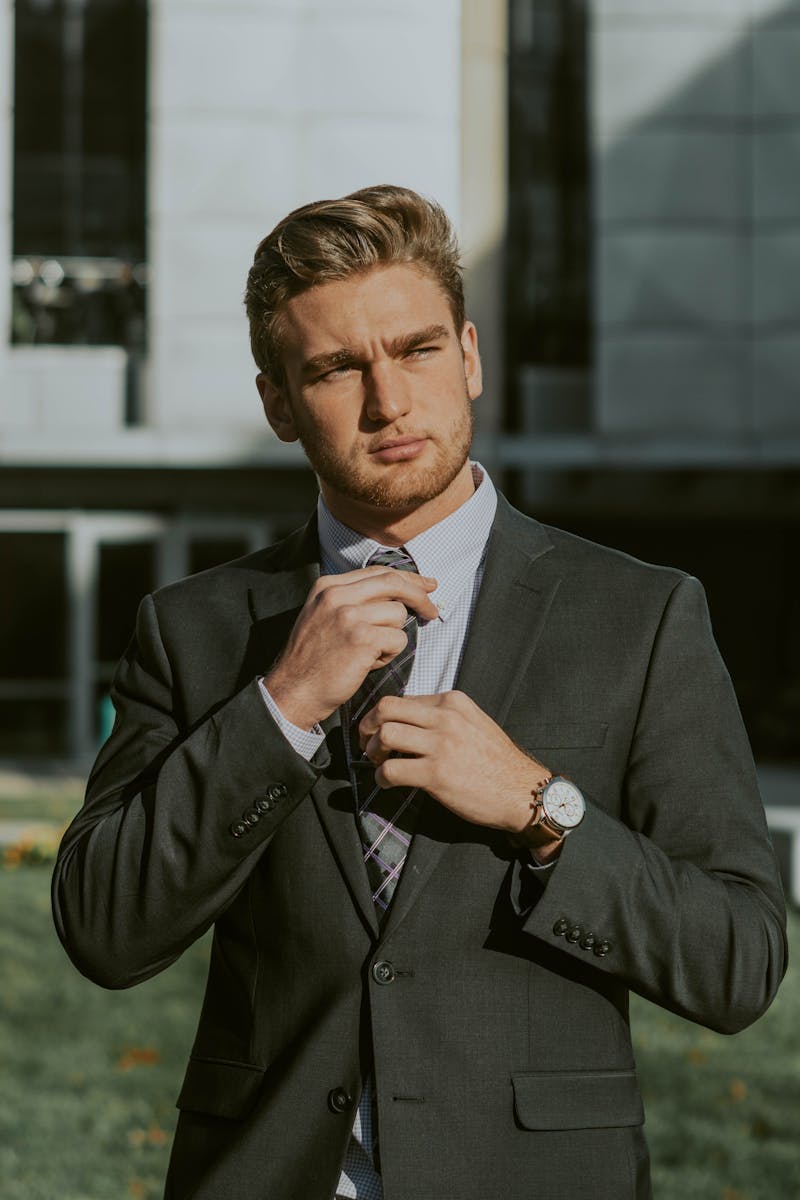
Modern AI headshots are remarkably close to studio quality — close enough that most viewers cannot tell the difference. Key strengths:
Where AI Still Falls Short (Honest Assessment)
The Complete Comparison
| Factor | Studio | DIY | AI (HeadshotGo) |
|---|---|---|---|
| Cost | $200–$700+ | $0 | $19–$39 |
| Time | 2–4 hours | 45 min–2 hours | Under 10 min |
| Quality | ★★★★★ | ★★☆☆☆ | ★★★★☆ |
| Consistency | Variable | Low | High |
| Convenience | Low | Medium | High |
| Outfit needed | Yes | Yes | No |
| Photos received | 10–30 | 5–15 | 40–100 |
| Retake cost | $150–$400 | Free | Free (regenerate) |
| Availability | By appointment | Anytime | 24/7 |
Our Honest Recommendation
If money and time are no object: Book a reputable headshot photographer. The ceiling is highest.
For 95% of professionals: AI headshots deliver 90% of the quality at 5% of the cost and 2% of the time. The math is overwhelmingly in favor of AI.
If you're on a strict zero budget: Use the DIY method, but follow the lighting and positioning tips in our LinkedIn photo guide.
The fastest way to decide is to see the results yourself. HeadshotGo generates one free preview headshot — no credit card required.
Try AI Headshots for Free
Upload a selfie from your phone. Get studio-quality headshots in 5 minutes.
NEXT STEP
Go to the career profile photo page
Use this page if you need a profile photo for resumes and career updates.
Open core pageRelated Articles
AI Headshots Guide: How to Create LinkedIn and Resume Photos (2026)
Learn how AI headshot generators work, what quality to expect, and how to create better LinkedIn headshots and resume photos from a simple selfie.
Best AI Headshot Generators Compared: Pricing, Quality & Features (2026)
We compared the top AI headshot generators for LinkedIn, resumes, and business profile photos. See pricing, quality, privacy, and feature differences side by side.